

The go-live was genuinely pretty boring.
We know what a compliment that is. I do enough incident response as part of my job – I don’t need to do it in my free time as well.
In the first post, we assembled the replacement website as a copy of the real-life WordPress site. Last week, we dug through all the posts to fix what broke in the migration. Like IT pros, the new website was up and running and ready for traffic, just waiting to be switched over when the time was right.
I still wanted to do code cleanup on the posts, but (done properly) that would just be behind-the-scenes stuff invisible to users.
The time was right
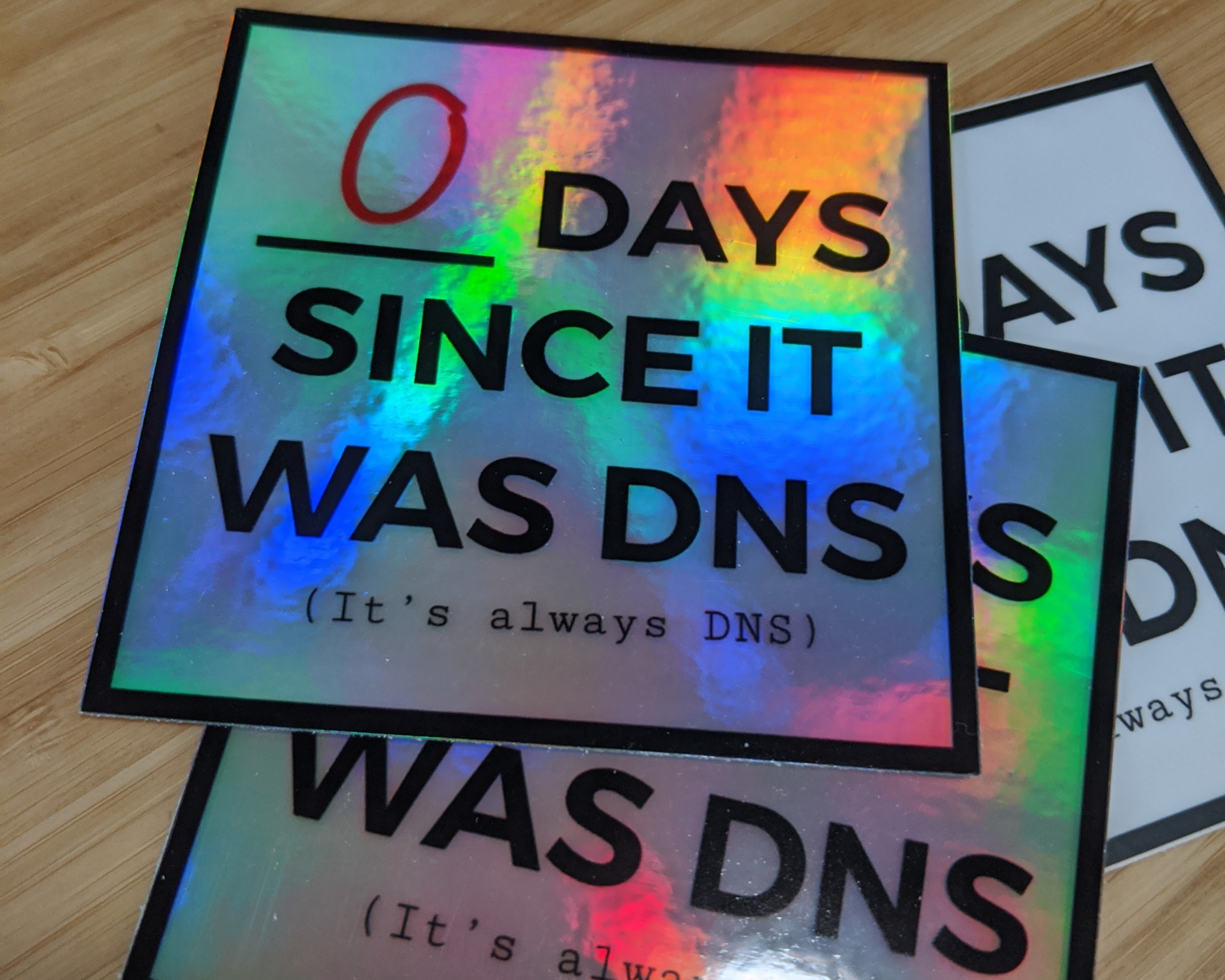
All I had to do was switch DNS to get rid of test.am2.co and switch am2.co over to the new site. You know the drill—you go into the Cloudflare Dashboard, spend a couple of minutes finding your way around, and then take a screenshot for extra backup safety because if you don’t, the DNS Demons are going to curse you with a rollback.
Not this time, Satan.
🤖Cody has a Cloudflare MCP server, and he’s a better network engineer than I am. I turned to my hired gun, and I said:
OK, Time to go live. Change the am2.co root to point to the new site. After you save the site, clear DNS cache and check that we’re serving the new site. Recheck every minute until it’s live. Once the new site is healthy, delete test.am2.co.
Two minutes later, it was done. I checked for myself on my laptop and again on my phone. And that was that.
The WordPress site was still online if I needed to roll back, but that need never materialized. If I did need to roll back, I had a screenshot and 🤖Cody had an export from before he made any changes.
I built the new site from a backup. I executed a plan that allowed for an easy roll-forward or roll-back. I kept multiple backups of DNS for that critical go-live change.
Everything we do in IT uses the same basic principles, reassembled in different ways with different technologies. Robots are amazing at spotting those repeating principles and patterns. The better you are at spotting those patterns and figuring out how to reuse the principles you already know, the more effectively you and your robotic AI agent can communicate.
I didn’t suddenly become a web developer
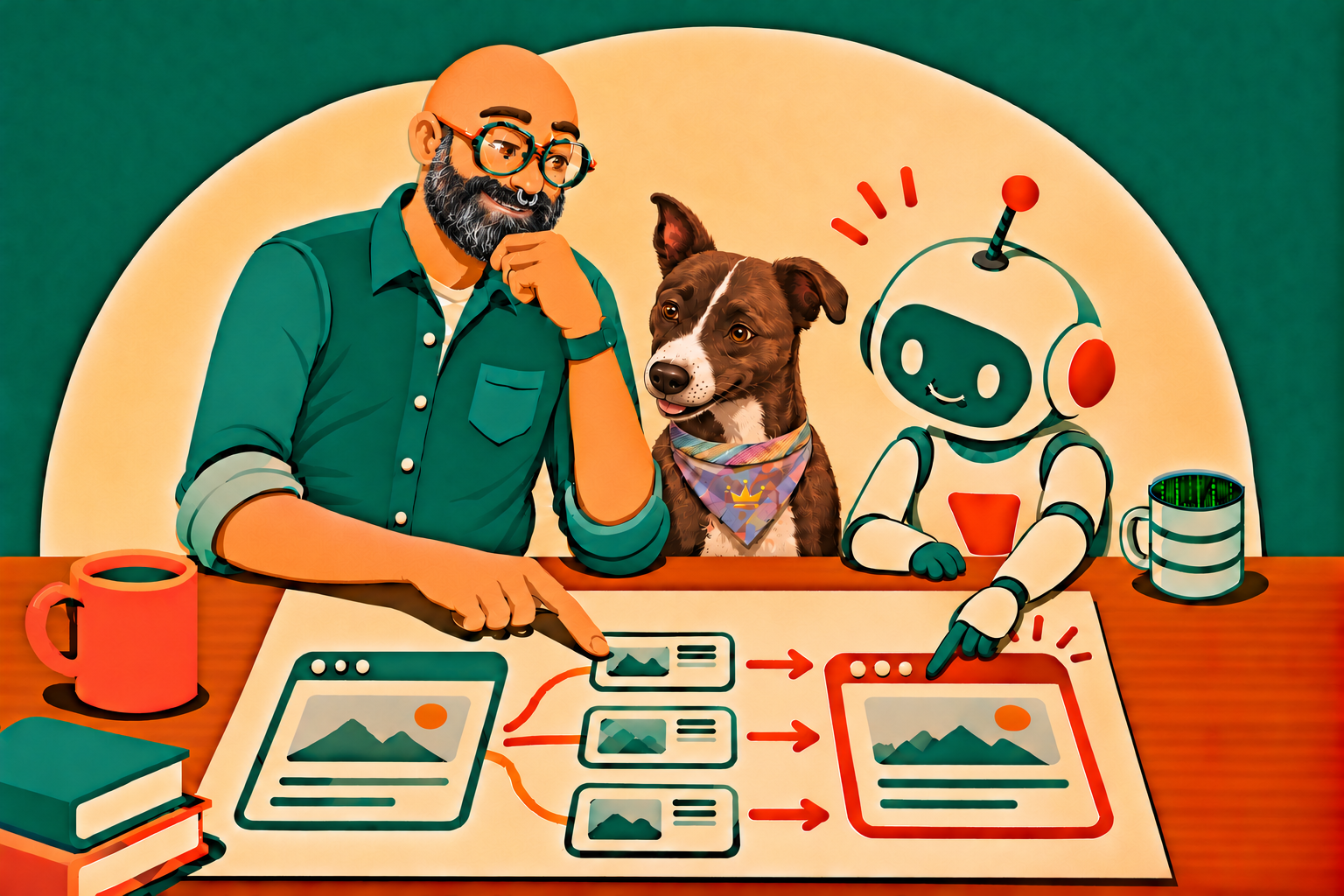
I am still a Database Reliability Engineer—but I have worked with incredible folks and spent the majority of my career building and supporting websites. So I know how to talk the lingo, and I was able to talk my way through outsourcing a successful website migration. More importantly, I know how to handle a big, complicated task.
- Keep focus on the end goal and your current perspective.
- Break the big problem down into smaller steps.
- Ask questions and try things until you fill in the gaps.
- Trust your own strengths and ask for help when you need it.
But that last one is the most important. It’s the hardest. And it’s the least appreciated. It’s what separates most people from their next promotion. There’s a gnarly mix of humility and confidence to navigate.
And that, my friend, is the most exciting thing you’ll learn in this blog post.
Know what you’re good at. Use it.
Be humble about the rest
Practice with the robot. When you’re using an AI Agent, in addition to considering context and thinking about an efficient approach to a problem, try practicing humility about your own limits. Robots don’t judge. Be confident about what you know and open about being wrong and learning new things.
I think you’ll find that you’re more successful with AI agents when you do. I think you’ll also find that you’re more successful with other humans when you do.
Humility is the hard part.
Oh, you really just came to migrate your website?
If you want to try a similar blog migration, 🤖Cody put together a relatively verbose set of WordPress-to-Hugo migration instructions you can give to your own AI agent. It includes a playbook, instructions, and templates built with the hindsight of a completed migration–rather than needing to start with a rambling late-night prompt of your own.
My dear human, start with the README, fill in the project profile with for your site, and feed that all to your AI agent. Your site is different, and you’ll have your own decisions to make. That’s where you come in.
Just remember the thing I said about humility—neither you nor your AI agent knows everything. And you’ll both work better together if you BOTH recognize your limits.