
Last week, I described getting a working copy of my blog on a new test domain. This week, let’s talk about getting the tech properly assembled into a delicious dish, and about how I got from a half-baked but impressive-looking website to a full migration in a few days.
I also want to assure you, my faithful readers, that even though my website is basically just a pet project of mine, I am approaching this with the goal of not screwing up production. I wanted to leave the existing am2.co up, build the new site, and then just juggle DNS. This statement might seem obvious to a lot of y’all, because this is exactly how you migrate a database from one server to the other. It’s just a blue-green deployment.
Start with gathering all your supplies
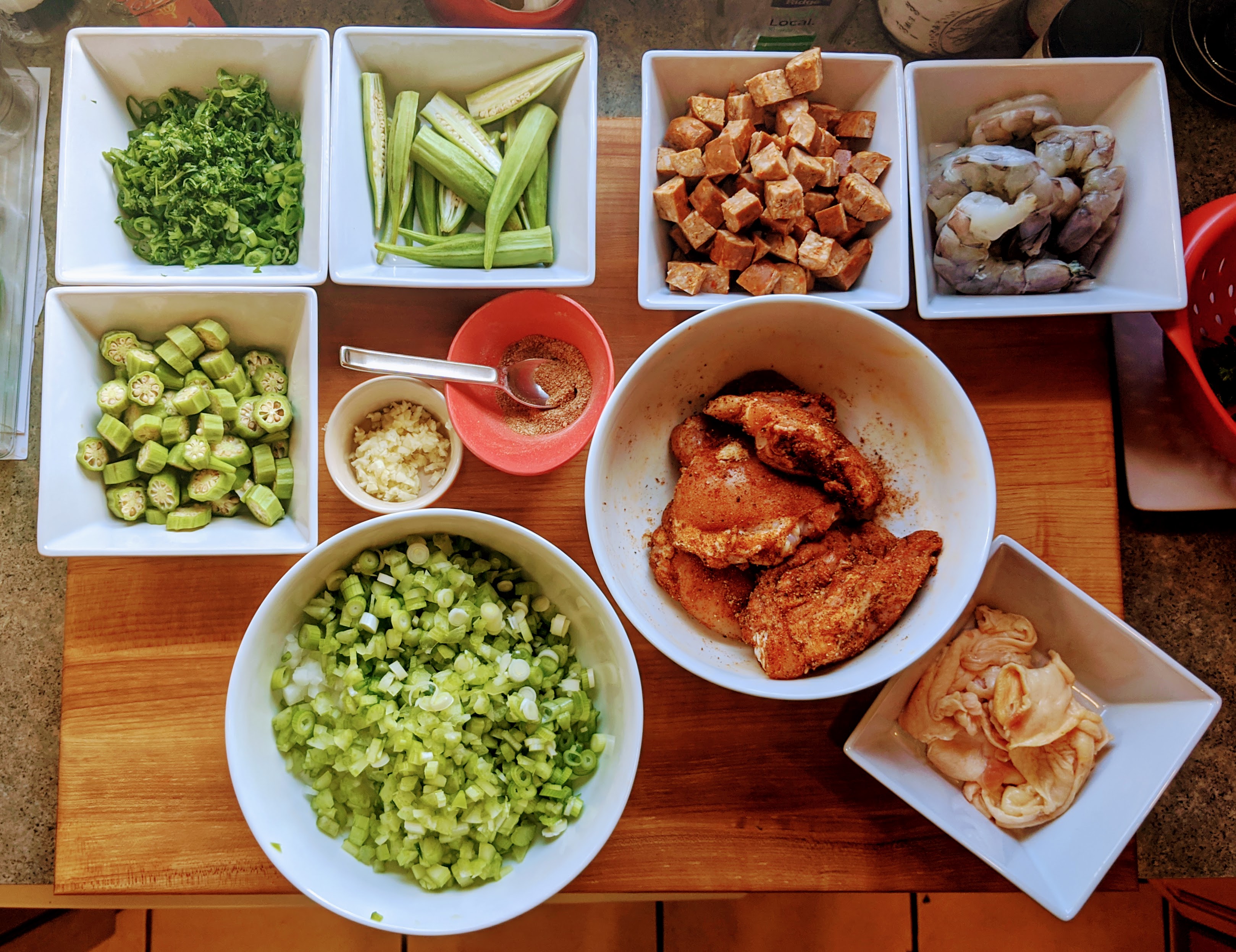
In cooking, this is your mise en place, a French term for “set up,” literally translating to “put in place.”
Get a fresh copy of your WordPress content and uploaded files. I was a good little DBA, and set up backups of my site when I first built it. Specifically, I was using Updraft Plus to push full WordPress backups to my Google Drive every week.
I had originally picked that backup setup with the thought, “well, if I ever need them, having them in my Google Drive would be the fastest and easiest way for me to recover.” Finally, after all these years, I needed a backup! And it WAS easy! Thanks Past Andy!
For my setup, the basic pieces I needed in addition to my data were: a GitHub repo, Hugo, and Cloudflare. There’s obviously a Hugo setup guide, but reading the documentation is for the birds. I hate that shit. I only looked it up to include it in this post.
I was also already using Cloudflare as a reverse proxy to protect my site, and I already used Cloudflare to serve my DNS. We’re going to keep using those things. And I use git & GitHub nearly every single day.
And, of course, we’ll need credentials for all these things. Not just my usernames & passkeys, but also auth tokens, so that Cody Codex (yes, I named my AI Agent Cody) could access everything. Both GitHub and Cloudflare offer plenty of documentation on it.
These are secrets that give access to your stuff–save them in your password vault, not plain text. Do not hand your credentials to your AI Agent via the text prompt/chat. Anything you paste into chat can remain in conversation history or logs.
More on using the keys later. For now, it’s good enough that we’ve collected our things.
Get your content into Hugo
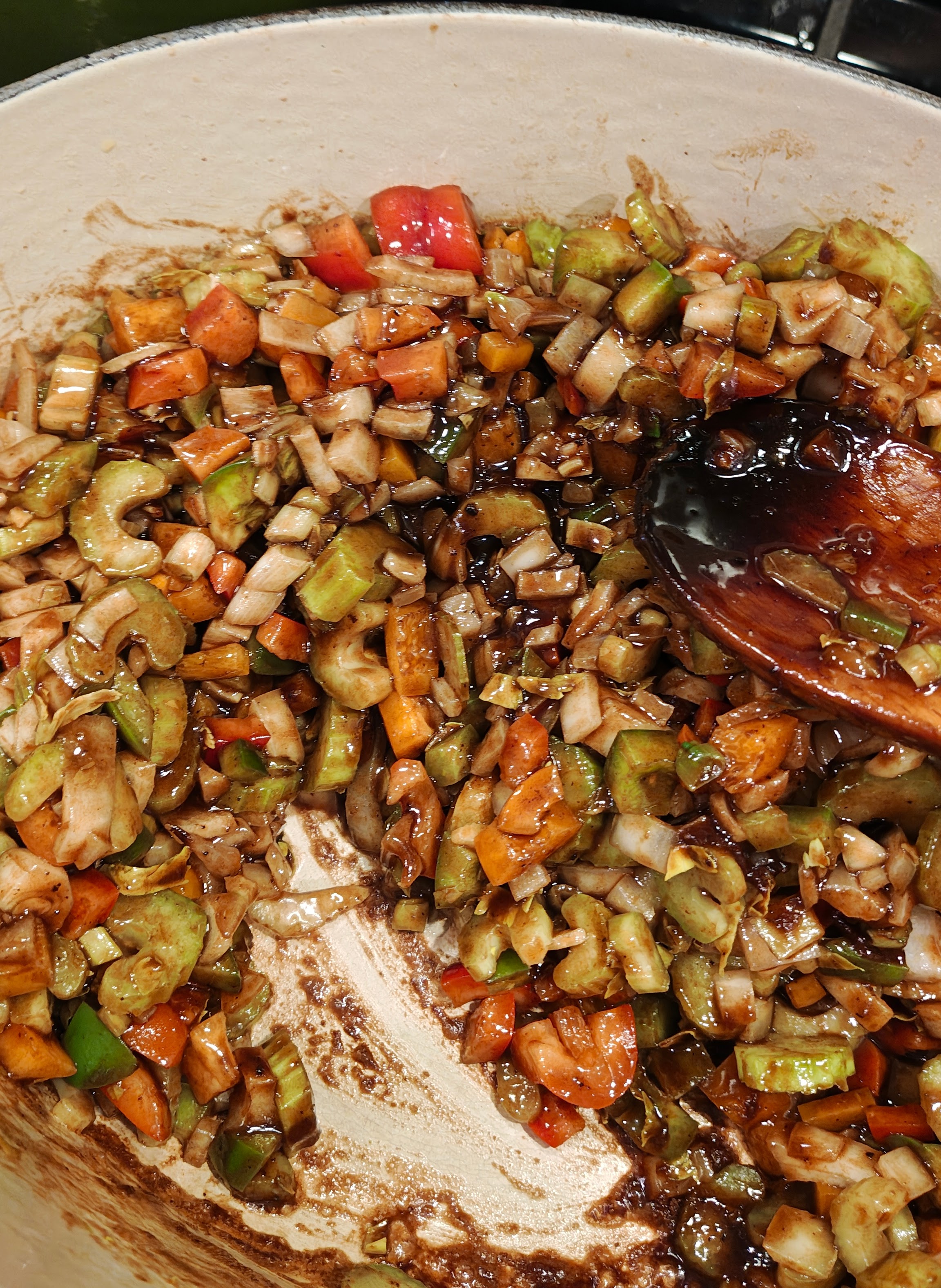
Time to turn up the heat and assemble our website. This is the reason I had been putting off the task of migrating my site. This part sucks.
I have to learn Hugo, how it works, what format stuff has to be in. I could hunt for migration tools to do it for me, but I still need to have a certain baseline knowledge to select a tool, and some time flailing with it. Not to mention the QA to figure out if it worked right. Not to mention dusting off web development skills that I rarely use.
But we have AI now. AI reads the docs. AI follows the docs. AI looks things up on Stack Overflow.
It’s like having a prep cook–I can have Cody work while I oversee. I won’t let a dish leave the kitchen unless it meets my standards, but that doesn’t mean I have to cook it myself. Delegation & oversight are skills that are going to be very useful when working with an AI Agent.
Cody worked from my backup and built the importer and layouts. His first pass was based on the theme my WordPress site had. That was good enough for me to start validating that posts looked right—images roughly in the right spot, no mangled HTML tags showing up on the post like a long curly hair in your soup.
This was a decision point where I needed to give Cody guidance–I decided to build a new theme. I needed Cody to build it, but I had to tell him what I wanted. AI agents work from context. The prompt you type is just one part of it—but I love that word: CONTEXT.
A contextual tangent
My friend Brent Ozar is a wicked smart consultant. In exchange for money, he will look at your databases and help fix your problems. He’s notoriously good at it–but you’re buying his brain for only a set period of time.
You need to feed Brent the context he needs to diagnose your problems.
I can almost hear Brent’s voice, “Ooohhh, you set up a job that runs every 5 minutes to do DBCC DROPCLEANBUFFERS to fix a query that kept losing its plan. uh huh, uh huh. And you started seeing that your CPU has been a lot higher since. uh huh, uh huh. And you didn’t think to tell me this yesterday?…..So let’s start by deleting that job…”
I made that scenario up, but Brent’s seen everything–so ⌨️🐒⌨️🐒⌨️🐒⌨️🐒 maybe it happened. Anyway–we want to avoid surprising Cody like that. We just have to use our words.
Type up what you want, what you don’t want, what is cool, what vibes you want to serve up, if there’s a site you’ve seen before. We don’t even have to limit ourselves to words. We can paste in screenshots of sites that can contribute inspiration–explain why you like it.
You could brain-dump into one prompt. You can send a series of prompts. But don’t skimp on the details.
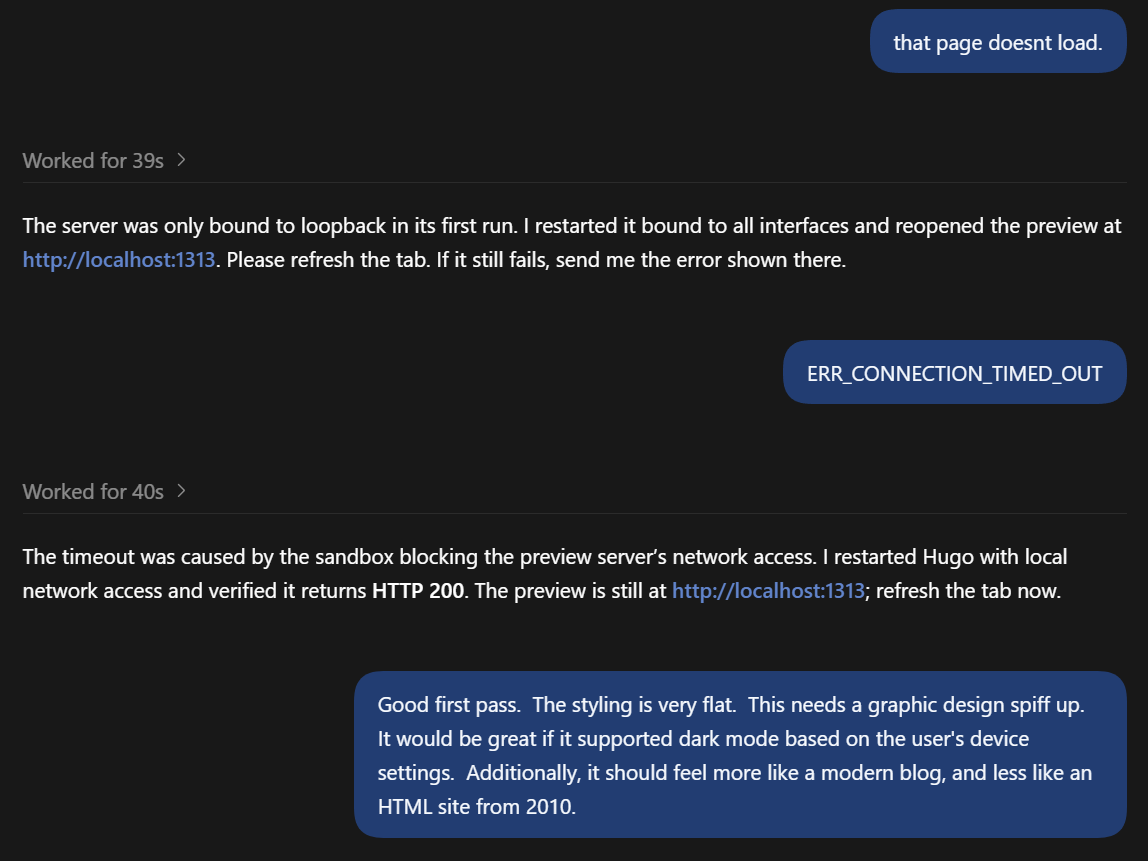
This was one of the most time-consuming pieces. AI Agents need guidance to have attention to detail. This was the start of my refinement of the design. I spent a few hours just working through design changes.
How does the site work on small screens? What about large screens? How should the menu be arranged? Simple top-nav tabs, or a dropdown menu? What will the 404 do? Are all the URLs from the old site maintained on the new site? Or at least redirected for backward compatibility?
We did quick iterations where the design decisions and regression testing were done in tandem.
Decisions, decisions, decisions
This is where humans need to be in the loop. Otherwise, it’s just kinda random.
Our AI Agent has all the knowledge of the model you’re linked to. When we send it off in a certain direction, it explores the knowledge based on your request—a line cook going into the knowledge walk-in and grabbing what you need. Except the list is whatever you told it.
Don’t be disappointed if you ask for a chocolate cake, and get a box of Betty Crocker. Oh, did you want to eat that now? Sorry, you’ll have to bake it first.
I could have made other decisions! If I’d been in a rush, I could’ve kept the old theme. If I’d had other priorities, I would’ve made different decisions.
Eventually, I was happy with how it looked and worked and moved on. I did come back later and do more design iterations and updates, but I am sometimes fussy about details.
Up until this point, everything I’ve described could have been done on my laptop. I had it in a GitHub repo from Day 1, so I was committing as we hit phases where things looked good. You don’t need to have it in a git repo from Day 1, but you’ll need to get it in there eventually.
Our delicious dish is finally starting to come together.
Connect the delivery pipeline

Time to assemble our final plate of delicious website. Specifically, time for Cody to plate. After he finishes his plate, I’ll decide when it’s ready to go out to the dining room.
I created a Cloudflare Pages project connected to that GitHub repo. Cloudflare’s Hugo guide covers the setup. Cody read it carefully, and handled all the heavy lifting. He walked me through authorizing Cloudflare’s GitHub integration and setting up the other credentials securely.
I decided to handle the secrets myself, as it was an opportunity to make sure I was keeping an eye on Cody’s work, and reviewing how he was setting it up, and applying my own professional experience to make sure things looked right. It was also an opportunity to make sure I understood how things worked so Future Andy isn’t so helpless.
I chose a test subdomain so that test.am2.co could serve up traffic for now, until I was ready to move the real website over.
Cody did most of the work. Cloudflare has AMAZING documentation. The human touch was needed to sort out the design, and the architecture—but I hate to read the documentation, and Cody is so good at it. Cody’s ability to faithfully follow good directions without giving me sass makes him one of the best co-workers I’ve ever had.
Thanks to high-caliber documentation by Cloudflare, I only had a few decisions to make, and didn’t need to add much additional context beyond what Cody and I had already built in our Blog Migration Codex session. Cody plated flawlessly.
Cloudflare handles the whole pipeline and all the hosting. It’s ✨magical✨. When I merge to main, that triggers Cloudflare to build the Hugo site and deploy everything. When I create a PR, Cloudflare generates a preview using a unique URL and posts the build results to the PR. This allows me to preview, test, and validate before merging to main.
This pipeline has everything. And for the scale of my little dot on the web? It’s free.